Install MVsync
Check the prerequisites and install the MVsync Administrator.
Prerequisites
Before using MVsync, the following needs to be in place:
- MVsharp version 4.0.8.0 or later.
- MVsync version 1.0.12 or above.
- Windows PC with Windows 7 or above.
- .NET Framework 4.5.
- Microsoft SQL Server 2012 or later.
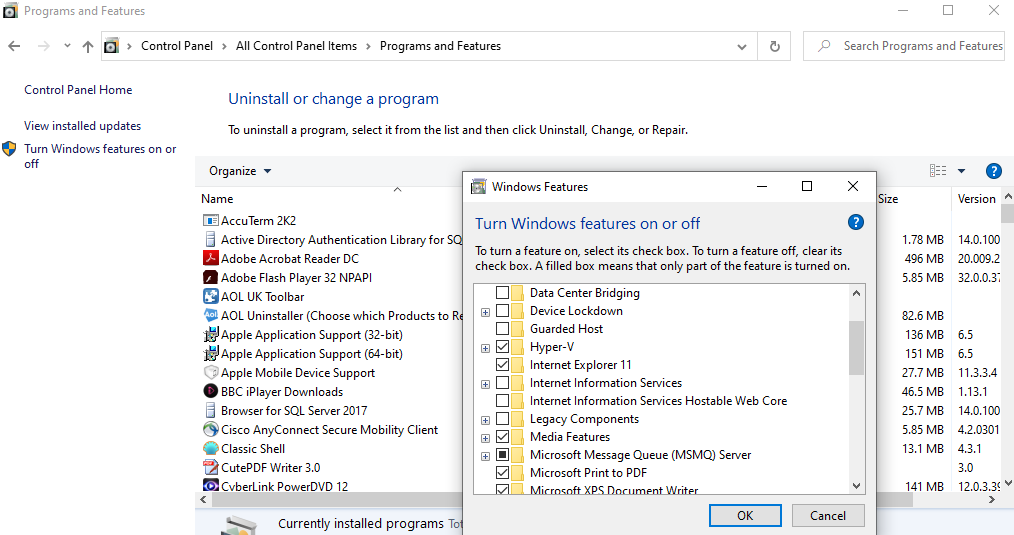
MVsync uses the Microsoft Message Queue (MSMQ) server. To ensure that this feature is installed, open Control Panel and select Programs and Features. Then click 'Turn Windows features on or off' and ensure that MSMQ is selected. If it is not, check the box and click OK to enable the feature.
Below is an example of 'Turn Windows features on or off':
Installation
The Data Synchronization tool is a single Microsoft installer, "MVsync". To install the tool, launch the executable and follow these steps. The initial step installs the MVsync Administrator.
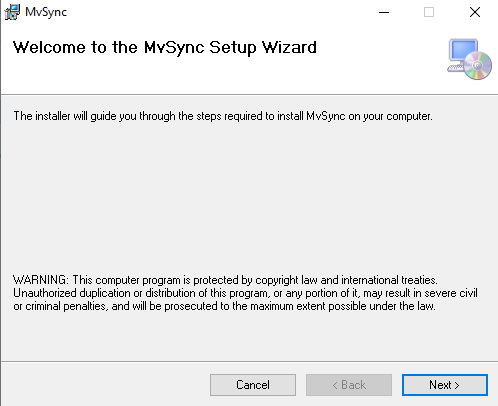
Click Next to begin the installation.
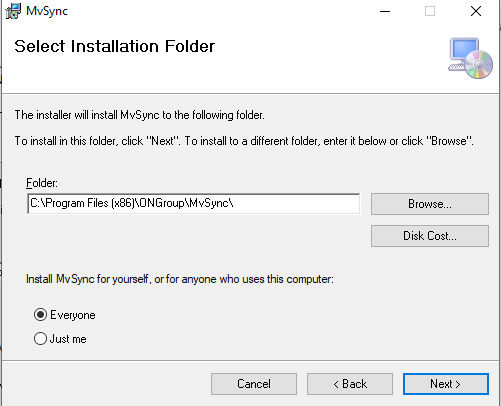
By default, MVsync is installed in the above folder. You can modify the path by either typing in a new path or clicking the 'Browse' button.
Select 'Everyone' to make MVsync available to all users on the server.
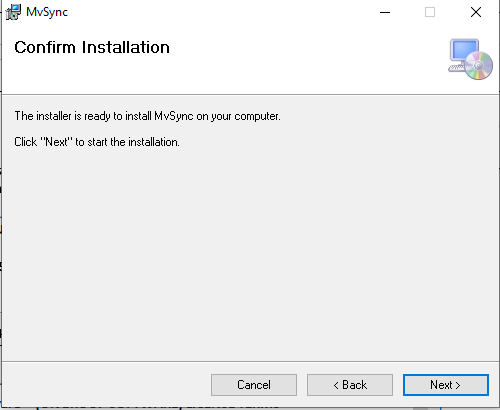
Click Next in the Confirm Installation dialog.
The next screen displays the license agreement for the use of MVsync. Please read the agreement carefully and select 'I Agree' in order to continue with the installation.
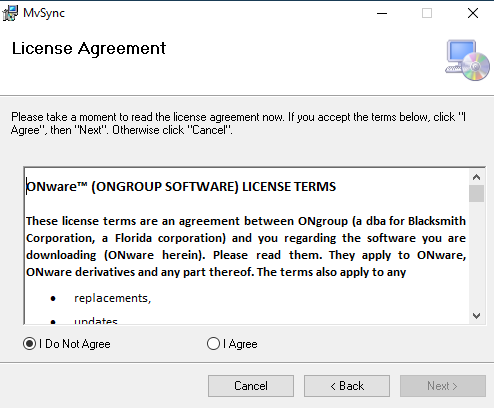
After agreeing to the license agreement and clicking 'Next' the software will be installed on your machine.
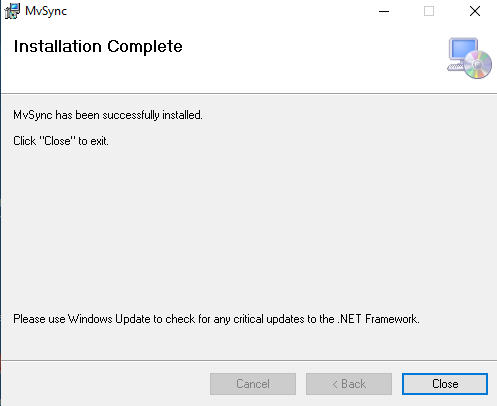
Upon successful installation, the following is displayed: